
USB OTG Cable Uses You Should Try Today
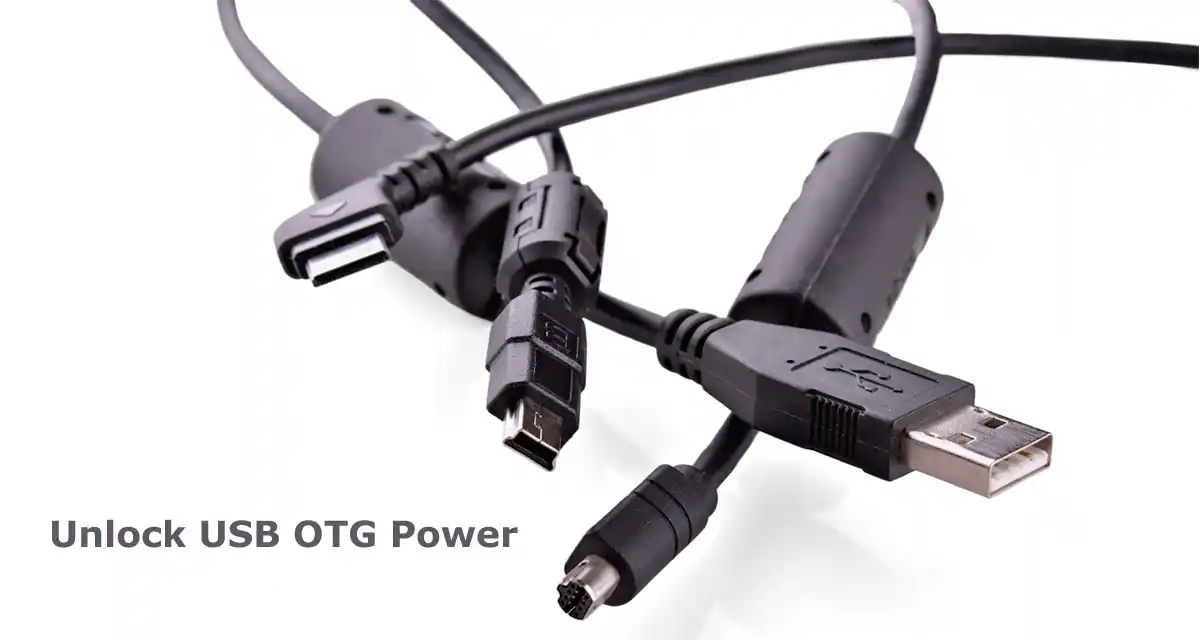
USB OTG cable uses are becoming very popular for Android users who want to connect pendrives, keyboards, and other devices directly to their phone.
USB OTG cables may look small, but they can unlock powerful features on your smartphone. Many users only use their phones for calls, apps, and social media, but with a USB OTG cable, your phone can perform tasks similar to a computer.
If you have ever wondered what a USB OTG cable can really do, you are not alone. Many people own OTG cables but never explore their full potential. In this guide, you will discover the most useful USB OTG cable uses and how they can make your daily tasks easier.
Table of Contents
What Is a USB OTG Cable?
USB OTG stands for USB On-The-Go. It is a special type of cable that allows your smartphone or tablet to connect directly to other USB devices without needing a computer.
Normally, phones act as storage devices when connected to a computer. But with OTG, your phone becomes the main controller, allowing you to connect accessories like keyboards, flash drives, and even gaming controllers.
How USB OTG Cable Works
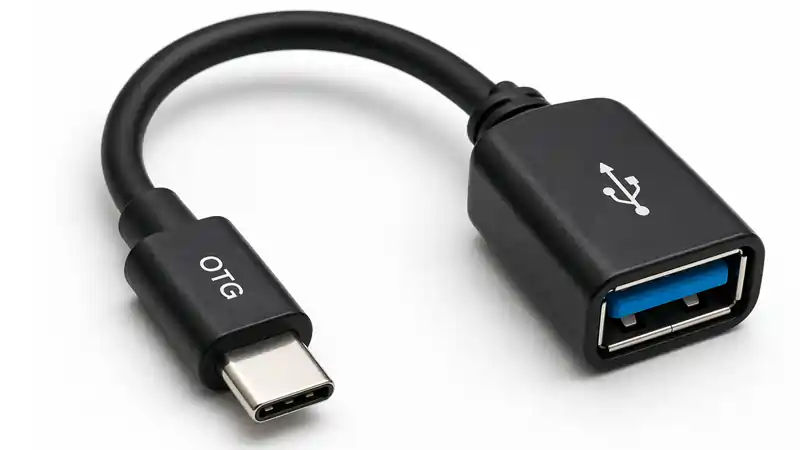
A USB OTG cable connects your phone to USB devices using a small adapter. One side connects to your phone, while the other side allows USB accessories to plug in.
When connected, your phone detects the device and allows interaction, just like a computer would. Most modern Android devices support OTG functionality, making it widely accessible.
Minimum Requirements for Using USB OTG
Before using a USB OTG cable, your device must meet certain requirements. Without these, OTG features may not work properly.
Here are the basic requirements:
- A smartphone or tablet that supports USB OTG
- Android version 4.0 or higher (for Android devices)
- A compatible USB OTG cable
- File manager app to access connected devices
- Sufficient battery power
Meeting these requirements ensures smooth and stable performance when using USB OTG devices.
OTG Cable Kya Hai? [Hindi]
Top USB OTG Cable Uses You Should Know
1. Connect USB Flash Drives
One of the most popular USB OTG cable uses is connecting a flash drive to your phone. This allows you to transfer files quickly without using internet data.
You can copy photos, videos, documents, and music directly between your phone and flash drive.
2. Connect Keyboard for Fast Typing
If you type long emails or documents on your phone, connecting a USB keyboard can improve your typing speed significantly.
This feature is especially useful for students and professionals who work on mobile devices.
3. Use a Mouse With Your Phone
A USB mouse can be connected through OTG to control your phone easily. This is helpful when navigating large files or editing documents.
You will see a cursor on your screen, similar to a computer.
4. Connect Game Controllers
Gamers can connect USB game controllers to their phones using OTG cables. Many Android games support controller input, making gameplay more comfortable and precise.
This is one of the most exciting USB OTG cable uses for mobile gamers.
5. Transfer Photos From Digital Cameras
Photographers can transfer photos directly from cameras to smartphones using OTG cables. This makes sharing images faster without needing a laptop.
It is especially useful during travel or fieldwork.
6. Connect External Hard Drives
USB OTG cables allow connection to external hard drives, giving your phone access to large storage spaces.
However, some hard drives may require external power to function properly.
7. Use USB Microphones
Content creators can connect USB microphones to smartphones using OTG cables. This improves audio quality for recordings, podcasts, and videos.
Many vloggers use this method for better sound clarity.
8. Charge Other Devices
Some smartphones support reverse charging using OTG cables. This allows you to charge smaller devices like smartwatches or wireless earbuds.
While not as fast as regular chargers, it can be useful in emergencies.
9. Connect USB Fans and Lights
Small USB-powered gadgets like fans and LED lights can run directly from your phone using OTG cables.
This can be helpful during travel or power outages.
10. Access Files From Memory Card Readers
With OTG cables, you can connect memory card readers and access files stored on SD cards.
This is useful when transferring files from cameras or drones.
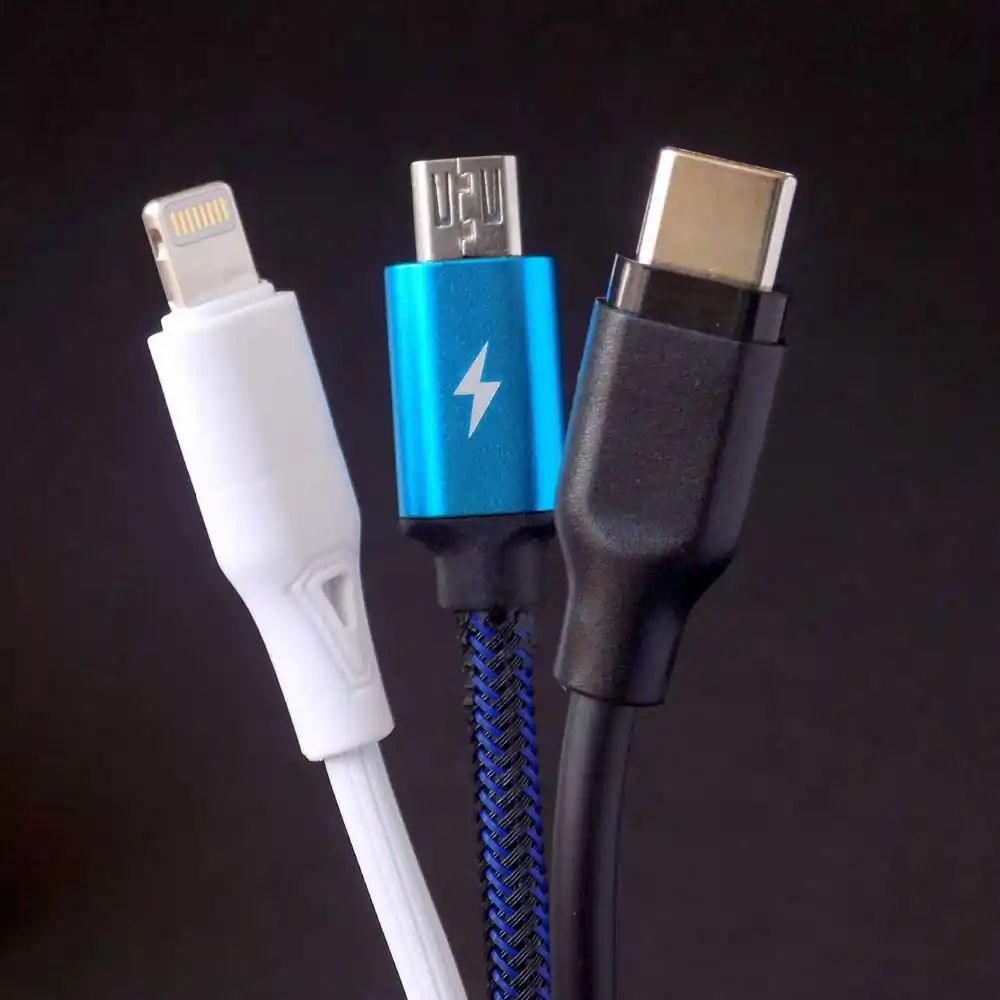
Real-Life Uses of USB OTG in Daily Activities
USB OTG cables are not just technical tools. They are useful in everyday situations where quick connections are needed.
Some real-life uses include:
- Transferring photos and videos without using the internet
- Watching movies directly from a pendrive
- Printing documents using a USB printer
- Playing games using a controller
- Editing files using keyboard and mouse
- Backing up important files quickly
These real-life applications make USB OTG cables highly useful for students, office users, and travelers.
Devices That Can Be Connected Using USB OTG
USB OTG cables allow you to connect many external devices directly to your smartphone or tablet. This makes your mobile device more powerful and useful for everyday tasks.
Here are some common devices that can be connected using a USB OTG cable:
- Pendrive (USB flash drive) for transferring files
- Keyboard for typing documents and messages
- Mouse for easier navigation
- Game controller for mobile gaming
- USB hub to connect multiple devices
- External hard drive for extra storage
- Card reader for accessing memory cards
- USB fan or USB light for portable use
These devices make USB OTG cables extremely useful for both personal and professional tasks.
How to Check If Your Phone Supports USB OTG
Not all smartphones support USB OTG, so it is important to check compatibility before using an OTG cable. There are several simple ways to find out if your phone supports USB OTG.
Check Your Phone Specifications
The easiest way is to check your phone’s official specifications. Visit the manufacturer’s website or search your phone model online. Look for terms like “USB OTG Support” or “OTG Compatible” in the connectivity section. If OTG is mentioned, your phone supports OTG functionality.
Use an OTG Checker App
You can install a free OTG checker application from the Play Store. These apps quickly scan your device hardware and tell whether OTG support is available. This method is fast and useful if you do not know your phone’s detailed specifications.
Connect an OTG Cable Directly
Another simple method is to test it manually. Connect a USB OTG cable to your phone and plug in a pendrive or USB device. If your phone detects the device and shows storage files, it means OTG is supported.
Check Phone Settings
Some smartphones show OTG settings inside system options. Go to Settings and search for “OTG” in the search bar. If you see an option to enable OTG, your phone supports it.
By using these methods, you can easily confirm whether your smartphone supports USB OTG before buying accessories or connecting external devices.
USB OTG Uses for Students
Students can benefit greatly from USB OTG cables in daily learning activities.
- Connect keyboard for faster assignments
- Transfer study files quickly
- Use flash drives for backup storage
- Connect mouse for easier navigation
These simple uses can improve productivity and reduce dependency on laptops.
USB OTG Uses for Android Phones
Android phones are widely compatible with USB OTG technology. Most modern smartphones support OTG without needing additional software.
Some Android phones even allow advanced features such as connecting MIDI devices, printers, and USB hubs.
Common USB OTG Problems and Solutions
Device Not Detected
This may happen if your phone does not support OTG or if the cable is faulty.
Try using another OTG cable or checking phone compatibility.
External Drive Not Working
Some external drives require more power than your phone can provide.
Use externally powered drives when needed.
File Transfer Issues
If files do not transfer correctly, ensure your phone has proper file manager permissions.
Benefits of Using USB OTG Cable
- Quick file transfer without internet
- Expanded phone functionality
- Improved productivity
- Portable and easy to use
- Cost-effective solution
These benefits make OTG cables valuable tools for everyday mobile users.
See: USB device compatibility guidelines
USB OTG Cable vs USB Cable: Key Differences
| Feature | USB OTG Cable | Regular USB Cable |
|---|---|---|
| Main Purpose | Connect external USB devices to a smartphone | Connect smartphone to computer or charger |
| Device Control | Phone acts as host and controls USB devices | Computer or charger controls the phone |
| Supported Devices | Pendrive, keyboard, mouse, game controller, etc. | Phones, computers, chargers |
| File Transfer | Direct transfer between phone and USB devices | Transfer between phone and PC |
| Power Requirement | May need extra power for large devices | Powered by charger or PC |
| Common Usage | Expanding mobile functionality | Charging and data sync |
Safety Tips When Using USB OTG Cable
Using a USB OTG cable is simple, but following some safety tips can help protect your phone and connected devices.
- Always use a high-quality OTG cable to avoid connection problems.
- Safely remove USB devices before unplugging the cable.
- Avoid connecting unsupported or damaged devices.
- Do not use OTG for long periods if your phone becomes hot.
- Keep the OTG port clean to prevent connection issues.
- Avoid using OTG when your phone battery is very low.
Following these simple precautions helps ensure safe and reliable use of USB OTG devices.
Who Should Use USB OTG Cable
- Students who need to transfer files quickly
- Office workers who type documents on mobile
- Content creators using microphones
- Travelers needing portable storage
- Gamers using USB controllers
FAQs About USB OTG Cable Uses
What devices can be connected using a USB OTG cable?
You can connect flash drives, keyboards, mice, cameras, controllers, microphones, and many other USB devices.
Does every smartphone support USB OTG?
No, only smartphones with OTG support can connect external USB devices. Always check your device specifications before using OTG.
Can I charge another phone using OTG?
Some phones support reverse charging using OTG cables, but it depends on the phone model.
Is USB OTG safe to use?
Yes, USB OTG is safe when used with compatible devices and quality cables.
Final Thoughts
USB OTG cable uses go far beyond simple file transfers. From connecting accessories to expanding storage and improving productivity, OTG cables offer many practical advantages.
If your smartphone supports OTG, exploring these features can help you get more value from your device and simplify everyday tasks.