
Best Free Architecture Software for Beginners
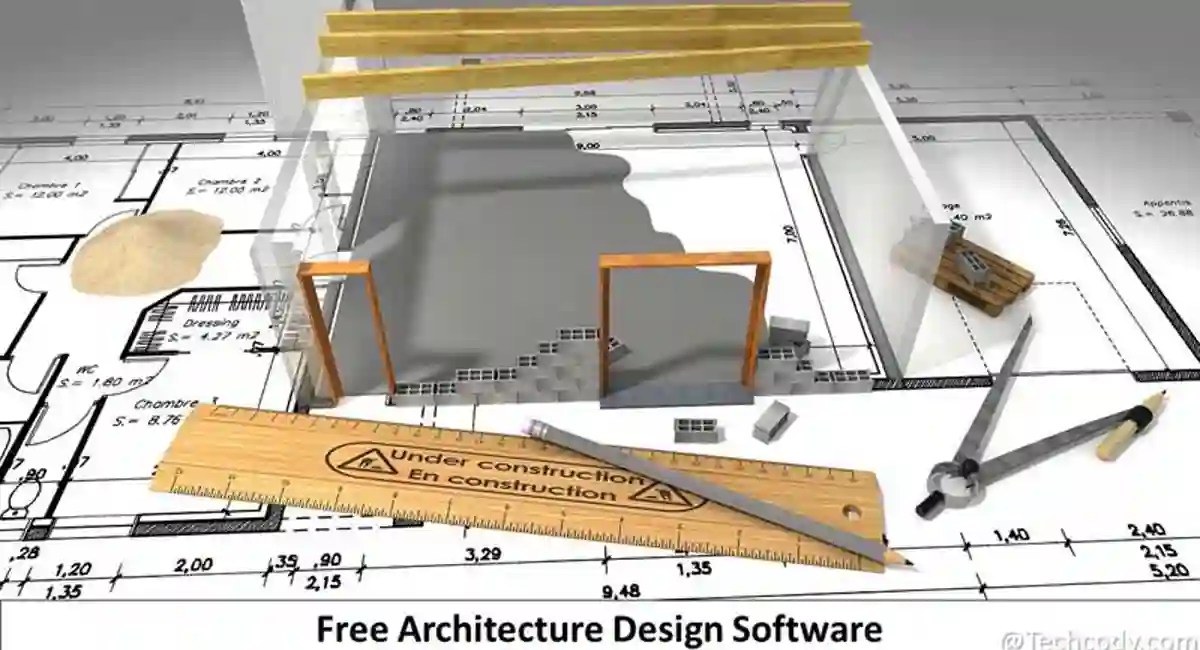
Professional architecture software can often be expensive, especially for beginners, students, and independent designers. Fortunately, many free architecture software tools now offer powerful features for 2D drafting, 3D modeling, floor planning, rendering, and interior design.
In this guide, we’ll explore some of the best free architecture software available for Windows, Mac, and Linux users. Whether you need a simple home design tool or advanced 3D modeling software, these applications can help you create professional architectural projects without spending money.
| Software Name | Use Case | Supported Platforms | Category |
|---|---|---|---|
| SketchUp Free | Beginners & Home Design | Web | 3D |
| Blender | Advanced 3D Modeling & Rendering | Windows, Mac, Linux | 3D |
| FreeCAD | Engineering & Technical Design | Windows, Mac, Linux | 2D/3D |
| LibreCAD | Technical Drafting | Windows, Mac, Linux | 2D |
| SmartDraw | Floor Plans & Diagrams | Windows, Web | Diagram |
| BRL-CAD | Solid Modeling & Analysis | Windows, Mac, Linux | 3D |
Best Free Architecture Software for Beginners
- SketchUp Free → beginners
- Blender → advanced rendering
- FreeCAD → engineering
- LibreCAD → 2D drafting
- SmartDraw → diagrams
- BRL-CAD → advanced simulation
1. SketchUp Free – Beginner-Friendly 3D Design Software
Best For:
Beginners, home design, and simple architectural projects
Platforms:
Web Browser
Key Features:
- Easy-to-use interface
- 3D modeling tools
- Floor plan creation
- Cloud saving support
- Large model library
Pros:
- Beginner friendly
- No installation required
- Works directly in browser
- Large online community
Cons:
- Limited advanced features
- Requires internet connection
Description:
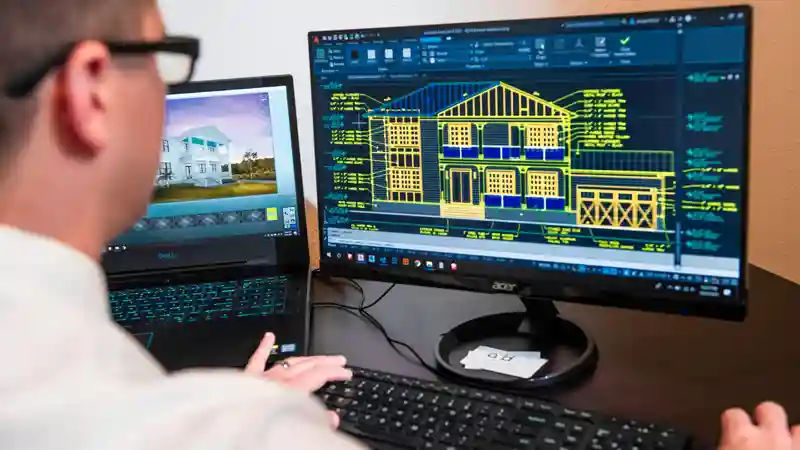
SketchUp Free is one of the most popular free architecture software tools for beginners. It offers an easy way to create 3D models, room layouts, and home design projects directly from a web browser. The interface is simple compared to professional CAD software, making it a good option for students and casual designers.
Official Website:
2. Blender – Powerful Open-Source 3D Modeling Software

Best For:
Advanced 3D modeling, rendering, and animation
Platforms:
Windows, Mac, Linux
Key Features:
- 3D modeling and sculpting
- Real-time rendering
- Animation tools
- Motion tracking
- Video editing support
Pros:
- Completely free and open-source
- Professional-grade rendering tools
- Large community and tutorials
- Frequent updates
Cons:
- Steeper learning curve for beginners
- Requires better hardware for complex projects
Description:
Many architecture students use Blender for realistic building renders and walkthrough animations. It supports modeling, rendering, animation, sculpting, and visual effects in a single platform. You can also explore free Blender 3D models to speed up architectural visualization and project design. Architects and designers use Blender for realistic architectural visualization, interior scenes, and 3D project presentations.
Official Website:
3. FreeCAD – Open-Source CAD Software for Technical Design
Best For:
Engineering models, technical drafting, and parametric design
Platforms:
Windows, Mac, Linux
Key Features:
- Parametric 3D modeling
- 2D drafting tools
- STEP, IGES, STL, and SVG support
- Modular workspace system
- Open-source customization
Pros:
- Free and open-source
- Supports multiple file formats
- Good for engineering and product design
- Active developer community
Cons:
- Interface may feel complex for beginners
- Performance can slow with larger projects
Description:
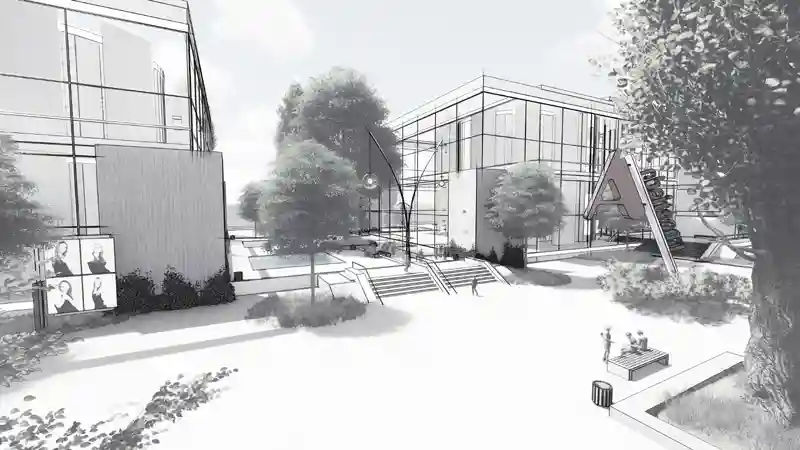
FreeCAD is a powerful open-source CAD application designed for technical modeling and product design. It allows users to create detailed 2D sketches and convert them into precise 3D models. The software is widely used by engineers, designers, students, and hobbyists who need flexible CAD tools without expensive licensing costs.
Official Website:
4. LibreCAD – Free 2D CAD Drafting Software
Best For:
2D technical drawings and architectural drafting
Platforms:
Windows, Mac, Linux
Key Features:
- 2D CAD drafting tools
- DXF file support
- Layer management
- Technical drawing creation
- Lightweight interface
Pros:
- Completely free and open-source
- Beginner-friendly interface
- Lightweight and fast
- Supports multiple operating systems
Cons:
- Limited to 2D drafting only
- No built-in 3D modeling tools
Description:
LibreCAD is a free open-source CAD application focused on 2D drafting and technical drawing. It is commonly used for floor plans, engineering diagrams, room layouts, and architectural sketches. The interface is simple and lightweight, making it suitable for beginners, students, and professionals who need basic drafting tools.
Official Website:
5. SmartDraw – Diagram & Floor Plan Tool (Not Full CAD Software)
Best For:
Floor plans, diagrams, and quick architectural layouts
Platforms:
Windows, Web
Key Features:
- Drag-and-drop editor
- Floor plan templates
- Diagram and blueprint tools
- Collaboration support
- Export to multiple formats
Pros:
- Easy to use for beginners
- Large template library
- Fast layout creation
- Cloud collaboration features
Cons:
- Limited free features
- Requires subscription for advanced tools
Description:
SmartDraw is a user-friendly design and diagram tool that helps users create floor plans, office layouts, engineering diagrams, and architectural drawings quickly. Its drag-and-drop interface and ready-made templates make it a good option for beginners and teams that need fast project visualization tools.
Official Website:
6. BRL-CAD – Advanced Open-Source Solid Modeling Software
Best For:
Solid modeling, engineering analysis, and complex 3D design
Platforms:
Windows, Mac, Linux
Key Features:
- Solid modeling system
- Ray tracing support
- Geometry analysis tools
- Cross-platform compatibility
- Open-source development
Pros:
- Powerful modeling capabilities
- Free and open-source
- Supports complex engineering projects
- Long-term active development
Cons:
- Difficult for beginners
- Outdated interface compared to modern CAD tools
Description:
BRL-CAD is an advanced open-source solid modeling system designed for engineering, scientific visualization, and complex geometric analysis. It includes powerful tools for 3D modeling, ray tracing, and technical simulations. The software is mainly suited for experienced users who need detailed engineering and computational design features.
Official Website:
Frequently Asked Questions (FAQs)
1. What is the best free architecture software for beginners?
SketchUp Free is one of the best options for beginners because it is simple, browser-based, and easy to learn compared to traditional CAD tools.
2. Can Blender be used for architecture design?
Yes. Blender can be used for architectural visualization, 3D rendering, and interior design. However, it has a steeper learning curve compared to beginner tools.
3. Is FreeCAD better than AutoCAD for beginners?
FreeCAD is a good free alternative for learning CAD concepts, but AutoCAD is still more industry-standard. FreeCAD is better for free and open-source workflows.
4. Which free architecture software works without installation?
SketchUp Free works directly in the browser, so no installation is required.
5. What is the best free CAD software for technical drawing?
LibreCAD is one of the best free tools for 2D technical drafting and architectural floor plans.
6. Is free architecture software good for professionals?
Yes, free architecture software can be useful for professionals, especially for drafting, 3D visualization, and early-stage design. Tools like Blender, FreeCAD, and LibreCAD are widely used for modeling, rendering, and technical work. However, for large commercial projects, professionals still rely on paid tools like AutoCAD or Revit because they offer advanced collaboration, industry standards, and enterprise-level features.
Conclusion
Choosing the right architecture software depends on your skill level and project needs. If you are a beginner, tools like SketchUp Free are simple and easy to start with. For more advanced 3D modeling and rendering, Blender offers powerful professional-grade features.
If you are focused on technical drawing or engineering design, FreeCAD and LibreCAD provide strong CAD capabilities without any cost. Meanwhile, SmartDraw and BRL-CAD are better suited for diagramming and advanced solid modeling tasks.
Overall, these free architecture software tools make it possible to start designing without expensive subscriptions. Whether you are a student, hobbyist, or professional, you can find a tool that fits your workflow.
If you’re also interested in presentation and visualization workflows, check out modern AI video editing tools that can help turn architectural renders into professional walkthrough videos.