What Is AI Art? (And Why Everyone Is Talking About It)
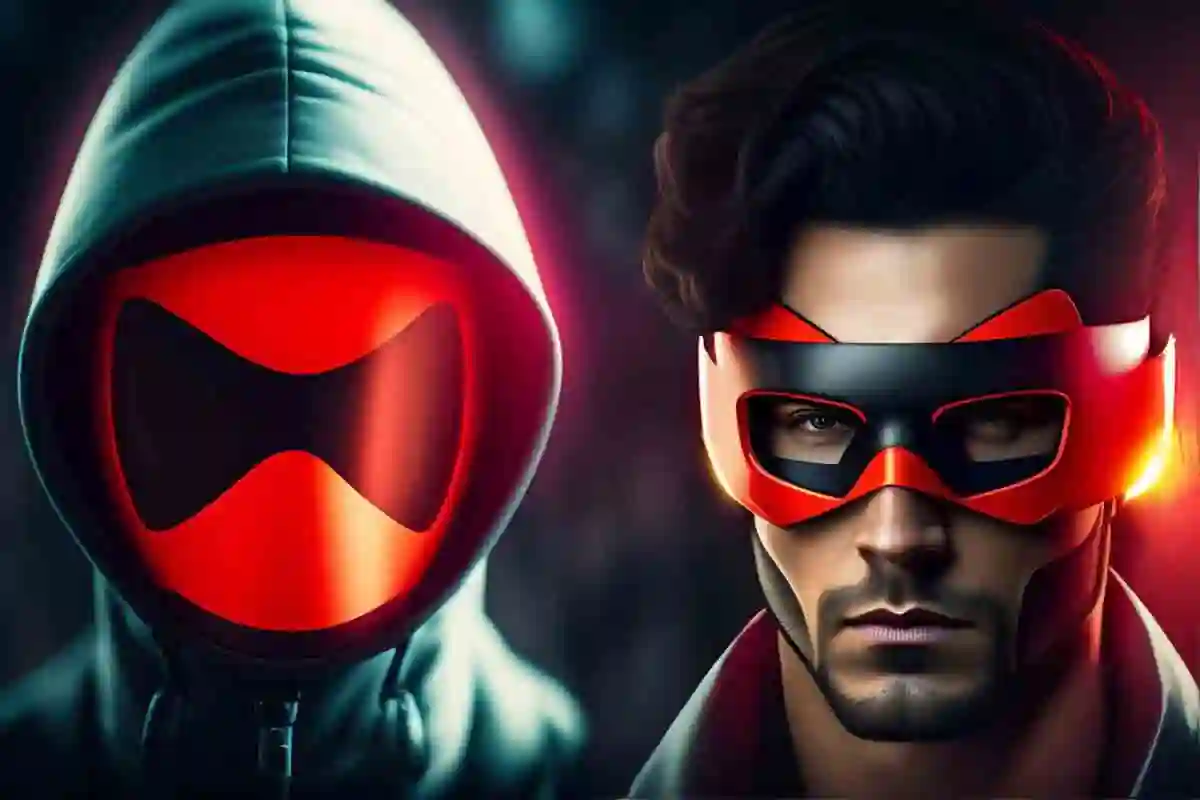
What is AI art? In simple terms, it’s any creative work — image, video, music, or text — generated with the help of artificial intelligence. You’ve probably seen it by now — a surreal landscape that no photographer could have taken, a portrait that looks hyper-real but slightly off, or a logo someone made in 20 seconds using just a sentence. That’s AI art.
And whether you love it, hate it, or just want to understand what the fuss is about — this guide breaks it all down. No technical jargon, no hype. Just a clear, honest look at what AI art is, how it works, and what it means for you.
What Is AI Art, Exactly?
AI art is any creative work — image, video, music, or written piece — generated with the help of artificial intelligence tools.
The most talked-about form is text-to-image generation: you type a description like “a neon-lit Tokyo street at night, watercolor style” and the AI produces a visual in seconds. But AI art also includes AI-composed music, AI-written poetry, and AI-generated video.
Here’s a real example. A freelance designer working on a client pitch used Midjourney to generate 12 concept visuals in under an hour — work that would have taken days by hand. The client picked one direction, the designer refined it in Photoshop, and the project shipped on time. That’s AI art in the real world.
One important distinction: AI art is different from digital art. Digital art is made by humans using digital tools like tablets and Photoshop. AI art is generated by a machine based on patterns it learned from millions of existing artworks — with a human directing it through prompts and choices.
How Does AI Art Actually Work?
You don’t need to understand the engineering to use AI art tools — but knowing the basics helps you get better results.
Most modern AI art tools use what’s called a diffusion model. Think of it like this: the AI has studied hundreds of millions of images and learned the patterns behind them — what makes a sunset look like a sunset, what a ‘1920s illustration style’ means visually, how light hits a face. When you give it a prompt, it uses those patterns to construct a new image from scratch.
An older technology called GANs (Generative Adversarial Networks) works differently — one part of the AI creates an image, another part critiques it, and they keep going until the result is convincing. Tools like Artbreeder use this approach.
The Text-to-Image Process, Step by Step
- You type a prompt (e.g., “minimalist logo for a coffee brand, black and white”)
- The AI interprets your words using its training
- It generates multiple candidate images
- You pick, refine, or regenerate
The quality of your output depends heavily on how well you write prompts — which is a skill in itself. More on that in the getting started section below.
Best AI Art Generators (And What Each One Is Actually Good At)
Now that you know what is AI art, the natural next question is which tool to actually use. The landscape moves fast, so instead of chasing version numbers, focus on what each tool is genuinely best at. Here’s the current lineup worth knowing:
| Tool | Best For | Key Features | Price | Commercial Use? |
|---|---|---|---|---|
| Midjourney | High-quality artistic visuals | Detailed artwork, artistic styles, active community | Paid | Yes (paid plans) |
| Stable Diffusion | Full control and open-source customization | Open source, highly customizable, can run locally | Free | Yes (check model license) |
| ChatGPT Image Generation | Quick image creation and concept illustrations | Natural language prompts, high-quality illustrations, easy to use | Free + Paid | Yes |
| Adobe Firefly | Commercial-safe creative projects | Licensed training data, Adobe integration, design-friendly tools | Included with Adobe Creative Cloud | Yes (licensed data) |
| Flux | Photorealistic and complex scenes | Excellent realism, strong prompt following, professional outputs | Free + Paid | Yes (check model license) |
| Leonardo AI | Game assets and concept art | Model training, asset generation, real-time canvas editor | Free + Paid | Yes |
| Ideogram | Text in images, logos, and posters | Excellent text rendering, poster creation, clean outputs | Free + Paid | Yes |
| Canva AI | Non-designers and social media graphics | Drag-and-drop editor, templates, AI design tools | Free + Paid | Yes |
/
What Can You Actually Use AI Art For?
Understanding what is AI art matters less than knowing what to do with it. This is where it gets practical — especially if you’re a freelancer, running a startup, or managing a small business with a tight budget.
For Freelancers
- Generate mood boards and concept visuals for client pitches — fast
- Create social media graphics without hiring a designer
- Use AI to explore visual directions before committing to a full design
- Produce blog or article header images in your own style
For Startups & Small Businesses
- Prototype branding ideas before investing in professional design
- Generate ad creatives for A/B testing at low cost
- Create product lifestyle images without a photoshoot
- Build pitch deck visuals that look polished
For Learners
- Experiment with visual styles to develop your aesthetic eye
- Build a portfolio of concept work even before landing clients
- Use AI-generated references to study composition and style
Real example: A solo founder building a wellness app used Canva AI to generate all their early marketing visuals — saving around $3,000 in design costs during the pre-revenue stage. Once they raised funding, they brought in a professional designer to refine the brand. Smart use of AI doesn’t mean replacing expertise — it means knowing when each makes sense.
Examples of AI art Image Prompts
a painting of a flowers on a gray background, an airbrush painting by Earnst Haeckel, trending on zbrush central, cloisonnism, high detail, detailed painting, biomorphic, digital art, realistic painting, dnd, character design, trending on artstation

beautiful photo of sakura bonsai , hd ,very relaxing, surrealism, retro space, full body, volumetric light, cinematic lightning, cgi rendering, unreal, trending Artstation, ultra detailed

beautiful photo of sakura bonsai , hd ,very relaxing, surrealism, retro space, full body, volumetric light, cinematic lightning, cgi rendering, unreal, trending Artstation, ultra detailed

"cute creature holding a flower, natural lighting, volumetric lighting maximalist photo illustration 8k resolution concept art intricately detailed, complex, expansive, fantastical:

Planets, cosmic space scenes lots of color sharp resolution, galaxies horizontal, haven, top

portrait of a geometric dragon, identical eyes, illustration, full body made of red feathers, symmetrical, art stand, super detailed, cinematic lighting, gorgeous, by peter mohrbacher, warhammer fantasy, purple, cosmos
Is AI Art Copyright Free? (The Legal Reality)
Once you understand the basics of what is AI art and how it’s made, this question follows naturally — and it’s a different question from legality, which trips a lot of people up.
The short answer: it depends on how the AI was used and how much human creativity was involved.
Under current US law, works generated entirely by AI — with no meaningful human creative input — generally cannot be copyrighted. The U.S. Copyright Office has stated this clearly, and courts have upheld the position so far.
However, if you significantly shape the output through prompting, editing, selection, and refinement, your creative contribution may qualify for protection. The bar is ‘substantial and demonstrable’ human input.
Practical advice: If you’re using AI art for commercial work, use Adobe Firefly (trained on licensed data), always review each tool’s terms of service, document your creative process, and consult an IP attorney for high-stakes projects.
One more thing worth knowing: major studios and rights holders are actively litigating against AI companies over training data. This area of law is still evolving, so staying informed matters.
The AI Art Debate — Is It Replacing Artists?
This question comes up in almost every conversation about what is AI art and where it’s headed. Let’s be honest about both sides, because the real answer isn’t a clean yes or no.
The concern is real. When a tool can generate a usable illustration in 30 seconds, it does affect the market for certain types of commercial illustration work. Studies suggest the impact on audiovisual creators’ incomes could be significant over the next few years. That’s not nothing.
At the same time, professional artists, photographers, and designers who adapt their skills — using AI for the parts that are time-consuming and repetitive, while bringing human judgment and creativity to the parts that matter — are finding new ways to work faster and take on more projects.
The honest framing: AI art is a powerful tool that changes what’s possible. Like Photoshop did when it launched, it shifts the profession rather than erases it. Where human creativity genuinely wins is in original thinking, emotional nuance, client relationships, and work that requires cultural and contextual judgment — things no prompt can fully specify.
How to Get Started With AI Art (Even If You’re Not Creative)
You don’t need design experience. You don’t need to code. Here’s how to begin:
Step 1: Pick a Tool Based on Your Goal
Just browsing? Start with DALL-E inside ChatGPT — free, beginner-friendly, and no setup needed. Doing client work? Try Adobe Firefly or Midjourney. Building social content? Canva AI is the easiest.
Step 2: Learn to Write Better Prompts
A good prompt includes: subject + style + mood + technical details. For example:
Weak prompt: a cat
Strong prompt: a black cat sitting on a windowsill at dusk, warm golden light, illustrated in the style of a mid-century children's book, soft textures
The difference in output quality is dramatic. Spend time learning prompt craft — it’s the real skill here.
Step 3: Iterate
Your first output is almost never the final one. Generate multiple versions, pick the best elements, refine your prompt, and go again. Think of it as a creative conversation with the tool.
Step 4: Know When to Hire a Human
AI is great for exploration, speed, and cost reduction. But for brand identity work, complex illustrations, culturally sensitive projects, and anything requiring real originality — a skilled human designer is still the better investment.
Common Beginner Mistakes to Avoid
- Vague prompts that produce generic results
- Expecting perfection on the first try
- Using AI art commercially without checking licensing terms
- Ignoring the editing step — most AI outputs need refinement
Frequently Asked Questions About AI Art
So, what is AI art in one sentence?
It’s art created with the help of an AI model rather than made entirely by hand — usually through a text prompt, with a human guiding the result through editing and selection.
Can I sell AI art?
Yes, in many cases. But check the terms of the specific tool you used — some restrict commercial use on free plans. Also be aware that purely AI-generated work may not be copyrightable, which affects how you can protect it.
Is AI art free to use?
Some tools offer free tiers (DALL-E, Stable Diffusion, Canva AI). Others are subscription-based (Midjourney). ‘Free to use’ for personal projects is different from ‘free to use commercially’ — always read the terms.
Which AI art tool is best for beginners?
DALL-E (via ChatGPT) is the easiest starting point — it’s accessible, requires no account setup beyond ChatGPT, and produces decent results. Canva AI is also excellent if you want to use the results directly in designs.
Do I need technical skills to use AI art tools?
Not at all. If you can type a sentence, you can use an AI art tool. The learning curve is in prompt writing and knowing how to evaluate and refine outputs — both of which come quickly with practice.
See Also: 7 Powerful AI Video Editing Tools to Create Stunning Videos
Conclusion
AI art is transforming the creative landscape by enabling anyone to generate stunning visuals from simple text prompts. Modern AI image generators such as ChatGPT Image Generation, Midjourney, Stable Diffusion, Adobe Firefly, Flux, Leonardo AI, and Ideogram have made digital art creation more accessible than ever. While questions surrounding copyright, ethics, and the role of human creativity continue to spark debate, AI art is best viewed as a powerful creative tool rather than a replacement for artists. As artificial intelligence continues to evolve, AI-generated art is expected to unlock new forms of expression, expand creative possibilities, and reshape the future of digital creativity.