
15 Proven Ways Background Apps Affect Gaming Performance
How background apps affect gaming
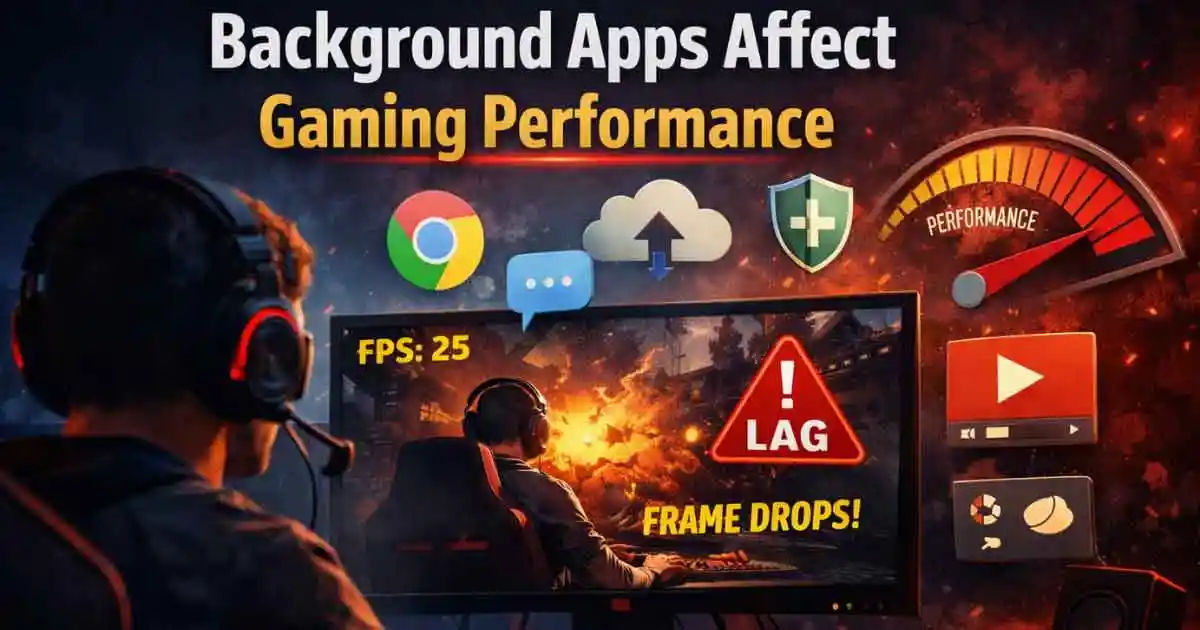
You can only give a certain amount of focus and use a limited number of hardware resources during gameplay sessions. It is very common for users not to realize how background apps impact gaming performance and the smoothness of their gaming experiences. These background apps operate without making a noise, and yet they consume memory, processor, and storage continuously. This disappearance of resources from the active games is a result of the hidden consumption of resources by the background apps.
High memory, stable processing, and most of all, a graphic output are some of the things that modern games require. Frame drops, stuttering, and delayed responses are some of the effects of background apps on gaming performance. Even high-end PCs will struggle if they have too many background processes running simultaneously.
What Background Apps Are and How They Affect Gaming
Background apps are programs running without direct user interaction during active sessions. They include update services, sync tools, launchers, and monitoring utilities. Many apps start automatically during system boot without user awareness. Operating systems allow background tasks for notifications, security, and system maintenance purposes. However, these tasks compete with games for limited system resources.
Background apps affect gaming when multiple apps demand processing simultaneously. Some background apps continuously scan files or sync data actively. Others check updates frequently and access networks aggressively. This constant activity reduces gaming stability and responsiveness. Knowing which apps run helps gamers control system behavior better.
See: Optimize your PC for gaming
Memory Usage: Background Apps Affect Gaming
System memory plays a critical role in smooth gaming performance delivery. Games load textures, assets,s and logic into memory constantly during play. Background apps affect gaming because they reserve memory blocks even when idle. Excessive memory usage forces systems to rely on slower storage swapping. This swapping increases load times and causes visible lag spikes.
Background apps and gaming problems often start with high memory consumption. Browsers, messaging apps,s and cloud services consume large memory shares. When memory fills, games struggle to maintain steady frame delivery. Closing unnecessary apps frees memory for active games instantly. Memory optimization improves gaming performance without hardware changes significantly.
CPU Interference from Background Apps
The processor manages game logic, physics, cs, and artificial intelligence tasks continuously. Background apps also request CPU time for various background operations. When multiple apps compete, CPU scheduling becomes inefficient for games. Background apps’ gaming interference leads to lower frame rates and input delays. Antivirus scans, update services,s and analytics tools consume processing cycles constantly.
Even small CPU usage percentages add up during intense gaming moments. Modern games require consistent CPU availability for stable performance delivery. Reducing background CPU usage improves frame stability immediately. Gamers should monitor CPU usage before launching demanding games. Proper CPU focus enhances the overall gaming experience noticeably.
GPU Load Affected by Background Apps
Graphics cards handle rendering textures, lighting shadows,ws and visual effects dynamically. Games expect near full GPU access for optimal visual performance. Some background apps use GPU acceleration unexpectedly during normal operation. Video players, browsers, and recording tools often engage GPU resources actively.
Background apps and gaming issues arise when GPU resources are split unexpectedly. This sharing causes frame drops and inconsistent rendering output. GPU usage spikes reduce visual smoothness and increase input latency. Gamers should disable GPU acceleration in unnecessary background applications. Monitoring GPU activity helps identify hidden performance drains quickly. Free GPU resources allow games to perform at intended quality levels.
Storage Activity and Gaming Performance
Storage speed affects game loading, streaming assets, and texture rendering efficiency. Background apps frequently access storage for logging, syncing,g or updating tasks. Continuous disk usage interferes with game asset streaming processes. Background app and gaming slowdowns often appear as stutters during open-world gameplay. Hard drives suffer more from background storage activity compared to solid drives.
Even fast drives experience delays under heavy background read-write operations. Games require uninterrupted storage access for smooth asset loading. Closing storage-intensive background apps improves gaming smoothness greatly. Storage optimization plays an important role in modern gaming performance.
Network Impact from Background Apps
Network congestion increases latency, packet loss, and rubber banding effects. Background apps and gaming disruptions become noticeable during competitive online matches. Streaming services, cloud backups, and launchers consume network resources silently.
Even small background downloads can impact real-time game data flow. Prioritizing game traffic improves responsiveness and reduces lag significantly. Gamers should pause downloads before starting online gaming sessions. Network awareness helps maintain stable, competitive gaming environments consistently.
OS Scheduling Conflicts with Background Apps
Operating systems manage task scheduling and resource allocation automatically. Games require high-priority scheduling for consistent performance delivery. Background apps often run with normal priority by default. Too many normal priority tasks reduce available scheduling slots for games. Background apps and gaming conflicts worsen when system prioritization remains unmanaged.
Some operating systems allow game mode features for better prioritization. Enabling these modes reduces background interference during gameplay sessions. Adjusting app startup behavior improves overall scheduling efficiency significantly. Proper system scheduling ensures games receive the necessary processing focus consistently. Understanding scheduling helps gamers fine-tune system performance effectively.
Startup Programs Affect Gaming Performance
Startup programs launch automatically when the system boots initially. Many users install apps that add themselves to startup lists. These programs remain active in the background, consuming resources constantly. Background apps and gaming issues often trace back to excessive startup programs. Chat apps, updaters, and utilities run silently after system start.
Disabling unnecessary startup apps reduces background load instantly. A cleaner startup environment benefits gaming performance throughout sessions. Fewer background processes mean more resources for games. Managing startup apps requires minimal effort and provides noticeable improvements. Gamers should review startup lists regularly for optimal performance.
Monitor Background Apps for Gaming
Various monitoring tools can be employed to identify the applications that are consuming the most resources during a gaming session. Task managers can show the usage of CPU, memory, storage, and network accurately. Gamers can see, work out, and shut down the problem apps that are running in the background. Background apps and gaming diagnosis are made very easy with the use of proper monitoring tools. Resource usage charts reveal the enormous jumps in resource usage that occur when the game performance drops.
Technical people can use third-party monitoring software to obtain deeper system insights. However, the built-in tools are usually more than sufficient for the average gamer to be able to use. By constantly monitoring his/her system, a person gets to know it more from its normal behavior. Knowing how apps work is an excellent method of avoiding performance issues in the future. Monitoring transforms guesswork into informed performance optimization actions.
System Settings Optimization
System settings influence how resources are distributed among active applications. Power plans affect CPU frequency and performance scaling behavior. Balanced modes may reduce performance during demanding gaming sessions. High-performance modes prioritize speed over power efficiency effectively. Background apps’ gaming interference reduces under optimized system settings.
Disabling unnecessary visual effects frees additional resources for games. Adjusting background permissions limits app activity during gameplay. Game-focused system profiles improve overall responsiveness significantly. Simple system tweaks produce noticeable gaming performance gains. Optimization does not require advanced technical knowledge to implement successfully.
Manage Background Apps on Windows
Windows systems include many background services by default. Some services support essential system functionality and security tasks. Others provide optional features that gamers may not require. Background apps and gaming issues often stem from unnecessary Windows services. Users can disable certain services safely with proper research.
Windows Game Mode reduces background activity during gameplay automatically. Notifications and overlays also consume resources unnecessarily sometimes. Turning off unneeded features improves gaming focus considerably. Regular system maintenance prevents background clutter accumulation. Windows offers sufficient tools for effective background app management.
Laptop Gaming and Background Apps
Laptops face additional challenges due to limited cooling capacity. Background apps increase CPU and GPU usage, generating extra heat. Higher temperatures cause thermal throttling, reducing performance automatically. Background apps and gaming problems worsen on laptops under thermal stress. Throttling lowers clock speeds to prevent overheating damage. This results in sudden frame drops and stuttering gameplay.
Closing background apps reduces heat generation significantly. Cooler systems maintain stable performance longer during gaming sessions. Laptop gamers benefit greatly from aggressive background app management. Thermal awareness improves gaming longevity and device health overall.
Myths About Background Apps and Gaming
Some gamers believe background apps have minimal impact on performance. This belief ignores cumulative resource consumption effects. Even lightweight apps add processing overhead when combined. Background apps and gaming myths prevent effective optimization efforts often. Another myth suggests that only hardware upgrades improve gaming performance.
Software optimization delivers meaningful gains without additional costs. Some users think idle apps consume zero resources. In reality, many apps perform background tasks continuously. Dispelling myths encourages smarter gaming performance management strategies. Knowledge empowers gamers to optimize systems efficiently and affordably.
Best Practices to Reduce Background Apps’ Impact
Closing unnecessary apps before gaming should become a routine habit. Disabling startup programs prevents longterm background resource consumption. Keeping systems updated improves efficiency and resource management algorithms. Background apps’ gaming impact reduces with consistent maintenance practices. Using lightweight alternatives for daily apps frees resources.
Scheduling updates outside gaming hours avoids unexpected performance drops. Monitoring resource usage builds awareness and proactive optimization habits. Applying game-specific profiles enhances performance automatically. These practices require minimal effort and deliver consistent improvements. Smart habits lead to smoother and more enjoyable gaming experiences.
Final Thoughts on How Background Apps Affect Gaming
Gaming performance depends on both hardware capability and software management choices. Background apps silently influence gaming results more than many realize. Background apps and gaming interference affect frame rates, latency, and overall responsiveness. Optimizing background activity unlocks hidden performance potential easily.
Gamers should prioritize system focus during gameplay sessions at all times. Simple steps produce noticeable improvements without spending money. Understanding system behavior empowers smarter gaming decisions. Regular maintenance ensures consistent high performance over time. Background management remains an essential gaming optimization strategy. Applying these insights helps achieve smoother and more immersive gaming experiences.