
3D Printing Working Process Explained Step by Step for Beginners
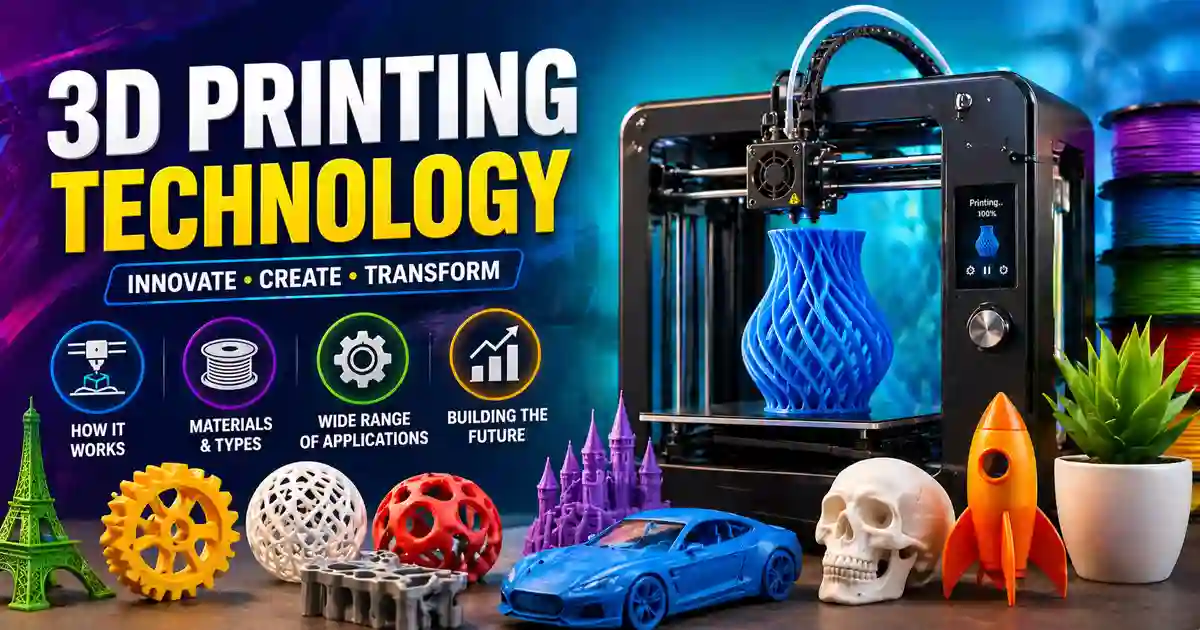
3D printing has quickly moved from a futuristic concept to a real-world technology, similar to other future technology trends shaping industries today. But many people still don’t clearly understand how the process actually works behind the scenes.
If you are new to this technology, this guide will help you understand the complete 3D printing working process step by step in a simple and practical way.
What Is 3D Printing in Simple Terms?
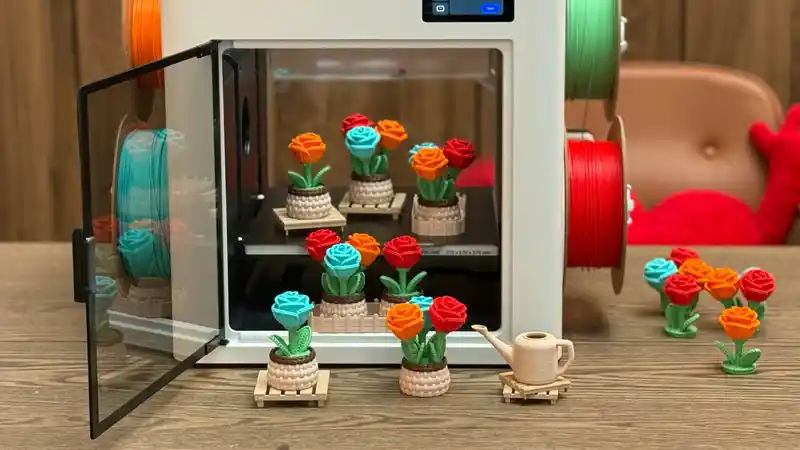
3D printing is a method of creating physical objects from a digital design by building them layer by layer. Instead of cutting or shaping materials like traditional manufacturing, a 3D printer adds material step by step until the final object is formed.
This process is also known as additive manufacturing because it adds material rather than removing it. Unlike traditional modern manufacturing processes, 3D printing builds objects layer by layer instead of cutting materials.
Why Understanding the Working Process Matters
Before using a 3D printer, it’s important to understand how each step works. This helps you avoid common mistakes, improve print quality, and choose the right settings and materials.
Even beginners can get better results quickly if they understand the complete flow instead of just pressing the print button.
3D Printing Working Process (Step by Step)
Let’s break down the full process into simple steps so you can clearly understand how a digital idea becomes a real object.
Step 1: Creating or Finding a 3D Model
Every 3D printed object starts with a digital design called a 3D model. This model acts as the blueprint for the printer. You can create your own design using free 3D modeling software, or you can download ready-made designs from online platforms. Beginners often start with pre-made models to understand how printing works.
The design must be accurate and properly structured because the printer will follow it exactly during the printing process.
Step 2: Converting the Model into a Printable Format
Once the model is ready, it needs to be converted into a format that the 3D printer can understand. This is usually done using an STL file.
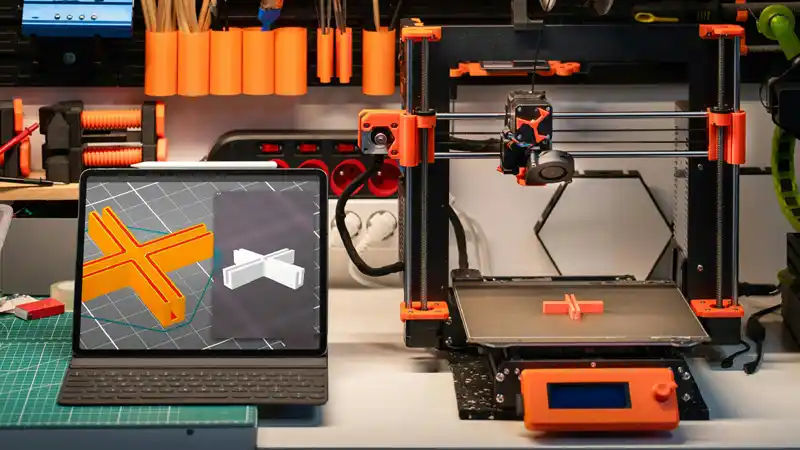
After that, slicing software is used to divide the model into hundreds or thousands of thin horizontal layers. This process is called slicing.
The slicing software also generates instructions for the printer, including movement paths, speed, and temperature settings.
Step 3: Preparing the 3D Printer
Before starting the print, the machine must be properly set up. This step is very important because incorrect setup can lead to failed prints.
Key setup tasks include loading the material, adjusting the temperature, and leveling the print bed. A well-prepared printer ensures that the first layer sticks properly and the rest of the object builds correctly.
Step 4: Starting the Printing Process
Once everything is ready, the printer begins building the object layer by layer. It follows the instructions generated during the slicing process.
The printer deposits material in thin layers, and each layer bonds with the one below it. Over time, these layers combine to form a complete three-dimensional object.
This step can take anywhere from a few minutes to several hours depending on the size and complexity of the object.
Step 5: Cooling and Solidification
As the material is deposited, it cools and solidifies to maintain its shape. This is an important part of the process because it ensures that the object remains stable and does not collapse.
Different materials have different cooling behaviors, which can affect the final strength and appearance of the print.
Step 6: Post-Processing and Finishing
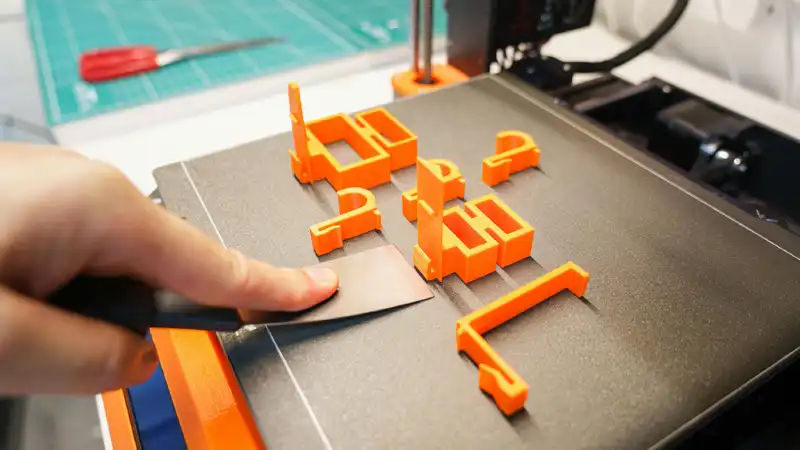
After printing is complete, the object may require some finishing work. This is known as post-processing.
Common post-processing steps include removing support structures, smoothing rough surfaces, and applying paint or polish.
These steps improve the final appearance and functionality of the printed object.
Types of 3D Printing Technologies
There are different types of 3D printing methods, each using a slightly different approach. These methods are part of the latest tech innovations transforming manufacturing industries.
- FDM (Fused Deposition Modeling) – Most common and beginner-friendly
- SLA (Stereolithography) – Uses liquid resin for high detail
- SLS (Selective Laser Sintering) – Uses powder materials and lasers
Each method has its own advantages depending on the use case and required quality.
Materials Used in 3D Printing
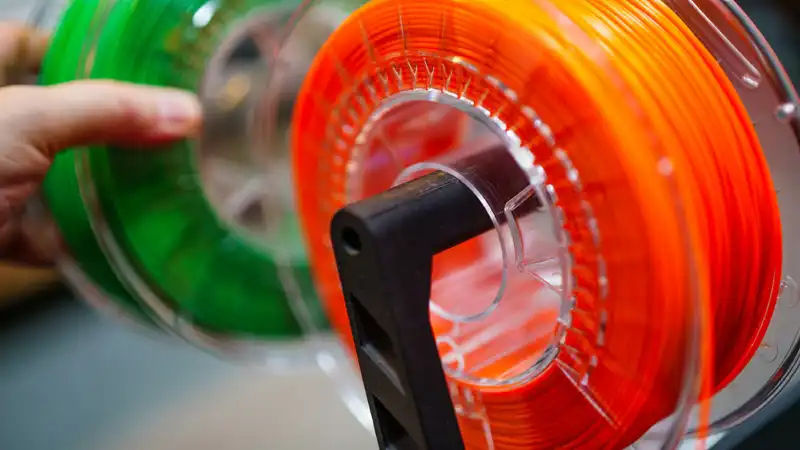
The choice of material plays a major role in the final result. Different materials are used based on strength, flexibility, and purpose.
- PLA – Easy to use and ideal for beginners
- ABS – Strong and heat-resistant
- Resin – Used for detailed and smooth prints
Choosing the right material helps achieve better performance and durability.
Real-World Applications of 3D Printing
3D printing is widely used across different industries today. It is not just a hobby tool but a powerful manufacturing method. 3D printing is one of the worldwide technologies shaping the future across multiple industries.
- Product prototyping and design testing
- Medical models and custom implants
- Educational tools and demonstrations
- Custom parts and tools
This flexibility is one of the main reasons why 3D printing is growing rapidly.
Advantages of the 3D Printing Process
- Allows complex designs that are difficult with traditional methods
- Reduces material waste
- Enables fast prototyping
- Supports customization
Limitations You Should Know
- Printing large objects can take time
- Material options are still limited compared to traditional manufacturing
- High-quality printers can be expensive
Common Beginner Mistakes to Avoid
Many beginners face issues when they start using a 3D printer. Understanding common mistakes can save time and effort.
- Skipping proper bed leveling
- Using incorrect temperature settings
- Choosing the wrong material
- Ignoring slicing settings
A small mistake in setup can lead to failed prints, so attention to detail is important.
Frequently Asked Questions
What is the main purpose of 3D printing?
The main purpose of 3D printing is to create physical objects from digital models using additive manufacturing.
Is 3D printing expensive?
Basic desktop printers are affordable, but industrial printers can be expensive.
What industries use 3D printing?
Healthcare, aerospace, automotive, construction, and education industries widely use 3D printing.
Can 3D printers create metal objects?
Yes, specialized metal printers use powdered metal to create strong industrial parts.
How long does 3D printing take?
The printing time depends on the size and complexity of the object, ranging from minutes to several hours.
Is 3D printing environmentally friendly?
3D printing can reduce material waste, making it more environmentally friendly compared to some traditional methods.
Can beginners learn 3D printing easily?
Yes, beginners can learn 3D printing with basic training and beginner-friendly materials such as PLA.
Final Thoughts
The 3D printing working process may seem complex at first, but once you understand each step, it becomes much easier to use and explore.
From creating a digital model to printing and finishing the final object, each stage plays an important role in achieving a successful result.
With the right understanding and practice, even beginners can start creating useful and creative objects using 3D printing technology. If you’re interested in learning more, you can explore more future technology topics or browse latest tech articles on our site.